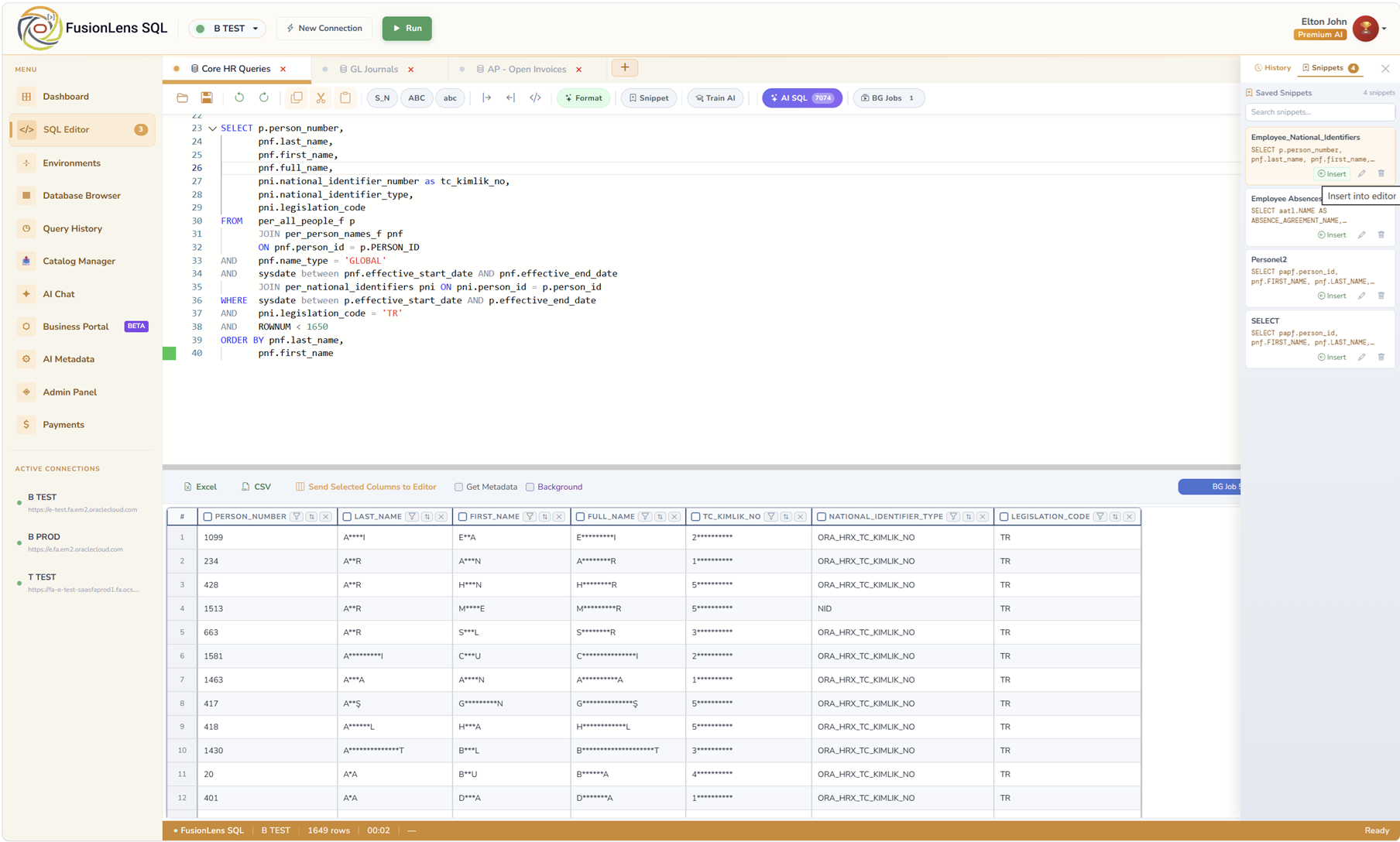
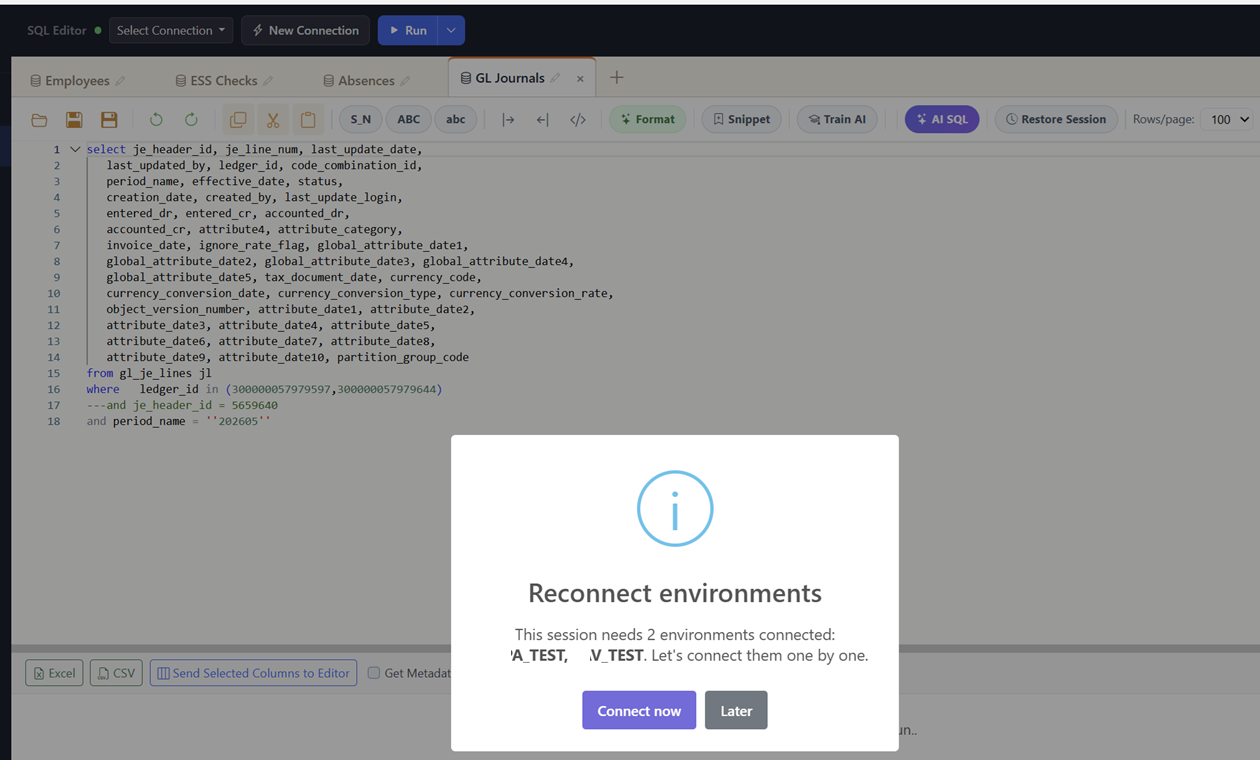
FusionLens SQL is a browser-based SQL IDE that connects directly to Oracle Fusion Cloud — with AI Text-to-SQL, a schema browser, and one-click Excel/CSV export.
Thirteen features in four categories — all running on your live Oracle Fusion connection.
Write, execute, and validate SQL from your browser — no BI Publisher setup, JDBC clients, or local tools required.
Use JOINs, CTEs, subqueries, analytic functions, and bind variables without OTBI restrictions.
Execute SQL directly against Oracle Fusion Cloud and get results in seconds instead of waiting for reports to be generated.
Use bind variables with any supported data type to create parameterized queries without rewriting SQL.
Generate SQL from natural language using AI that understands Oracle Fusion metadata. Refine queries, explain tables, and send SQL directly to the editor.
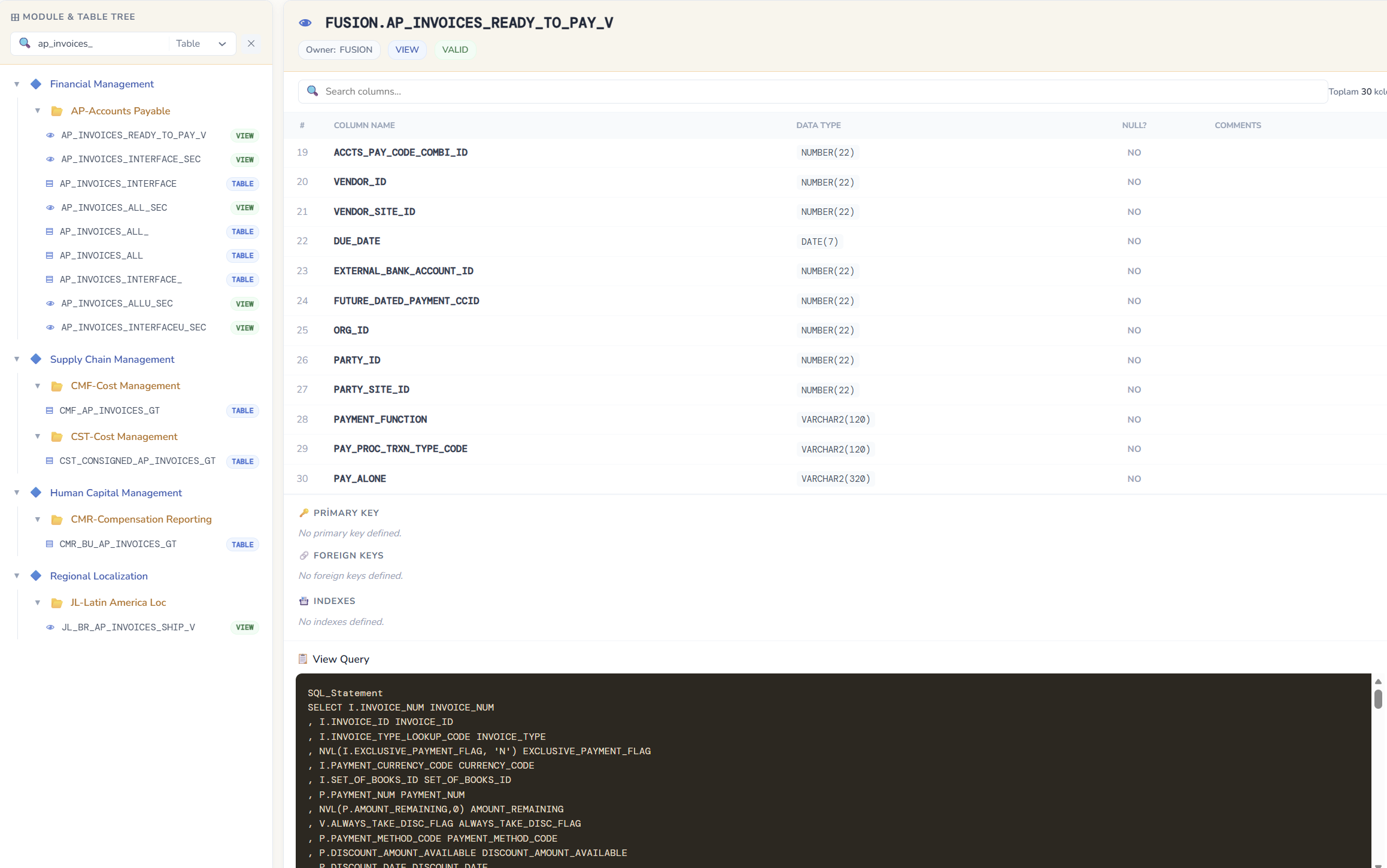
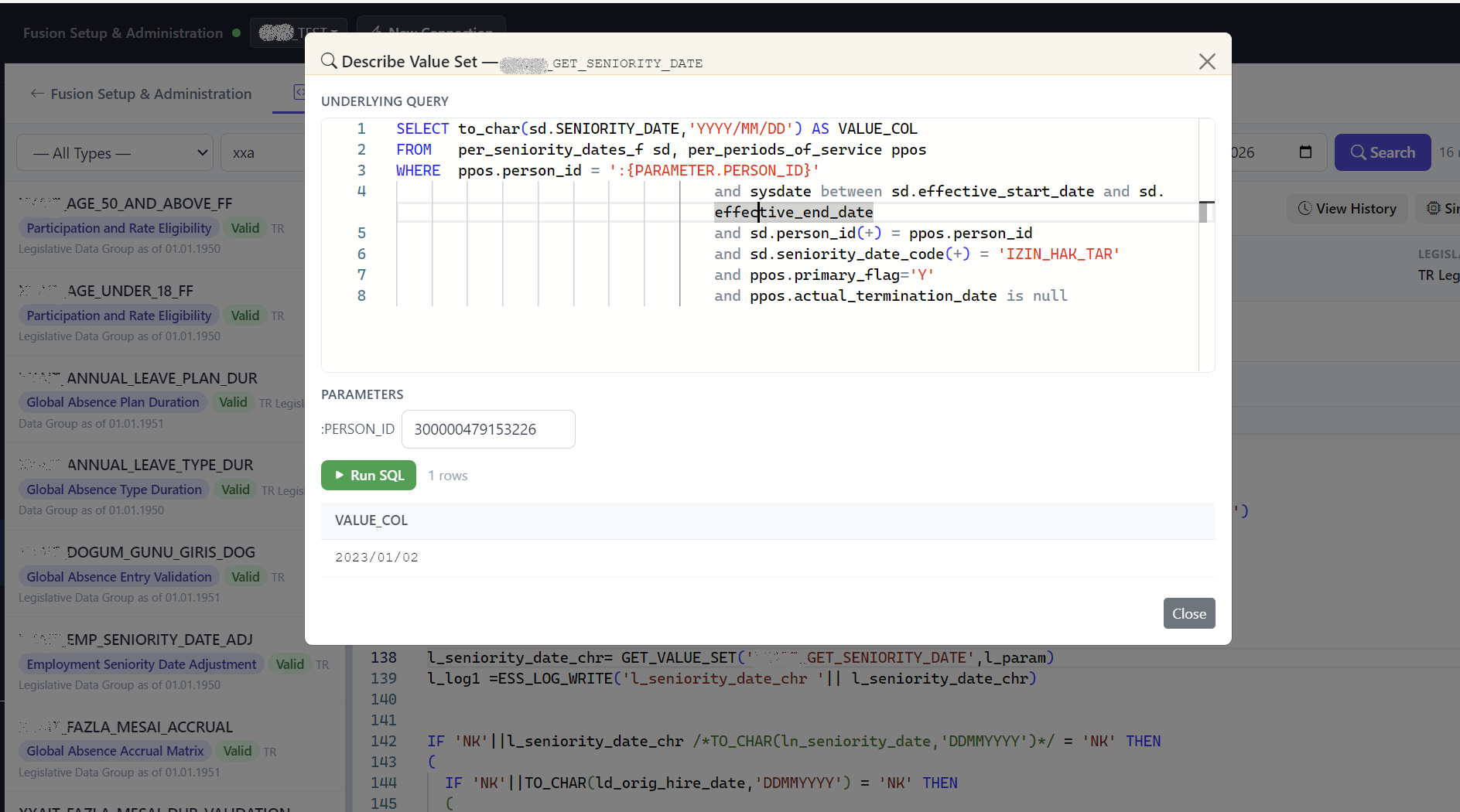
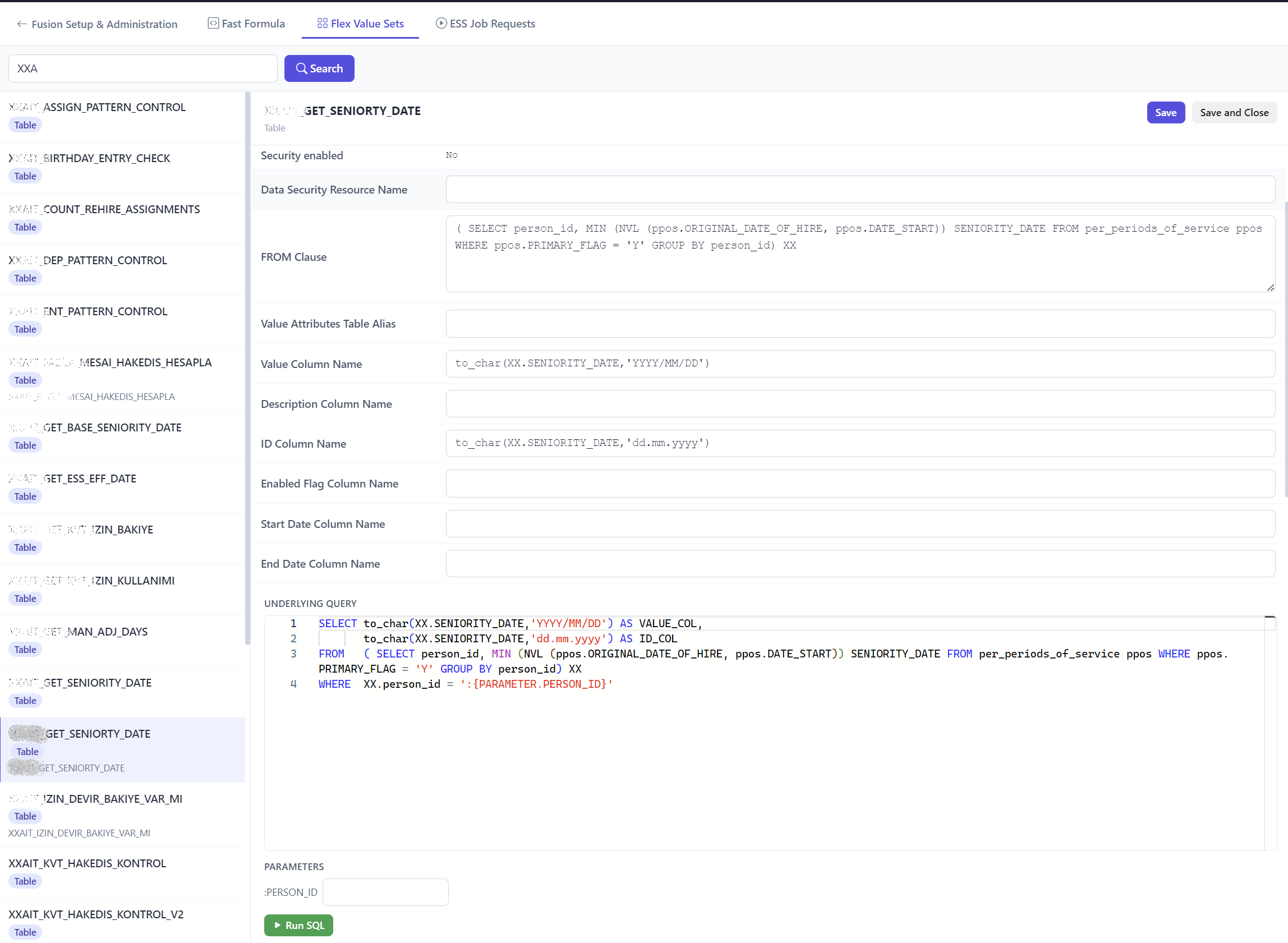
Search Oracle Fusion tables, views, columns, keys, and business objects from a searchable metadata catalog.
Get intelligent suggestions for tables, columns, aliases, and SQL syntax while you type using your Oracle Fusion schema.
Define exactly which users can query specific tables and columns with application-level security, independent of Oracle Cloud roles.
Restrict query execution on selected Oracle Fusion tables without modifying your Oracle Cloud security model.
Mask salary, personal information, or any sensitive column based on user permissions while keeping your Oracle Fusion environment unchanged.
Download query results to Excel or CSV with a single click — no row limits or additional reporting tools required.
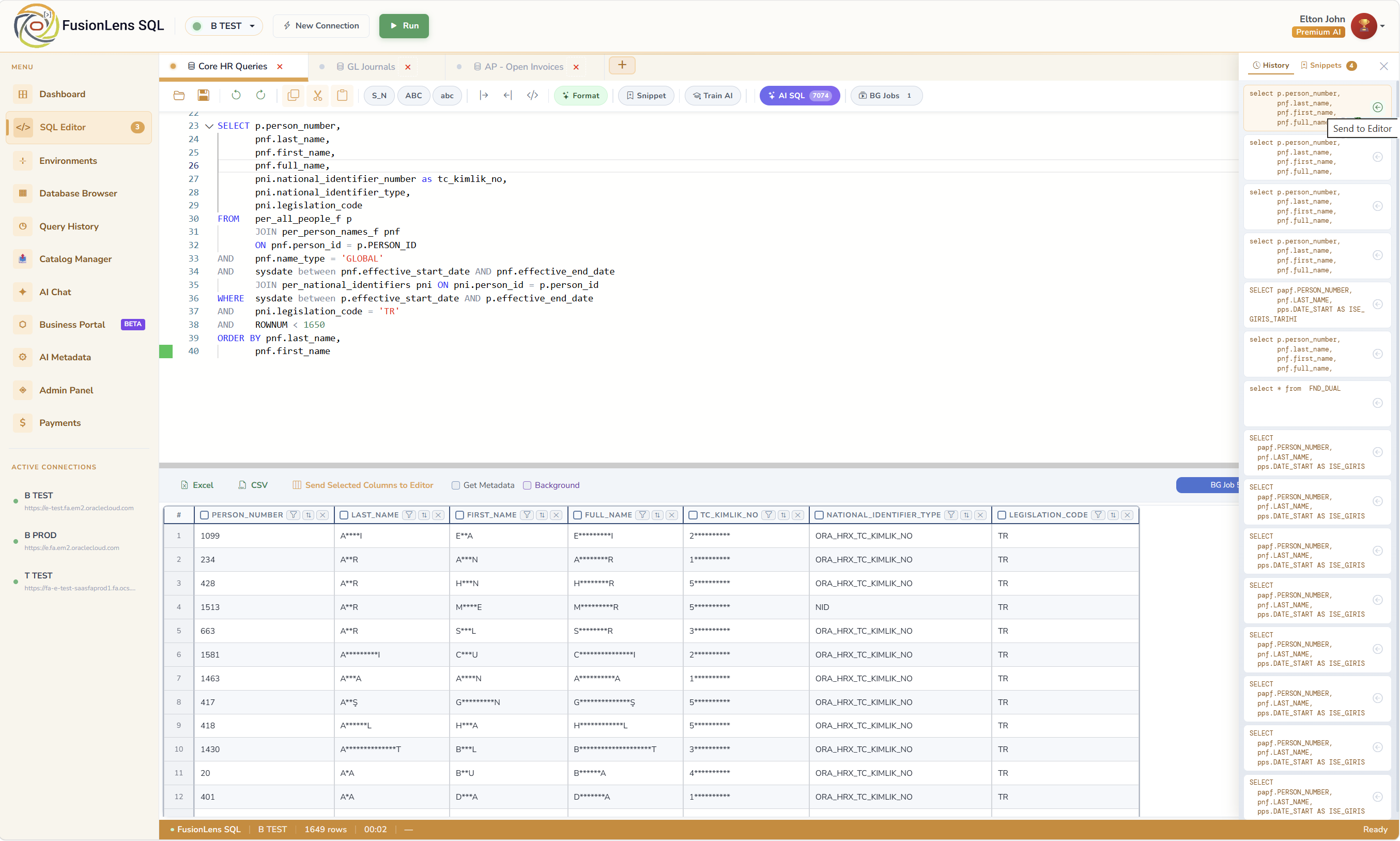
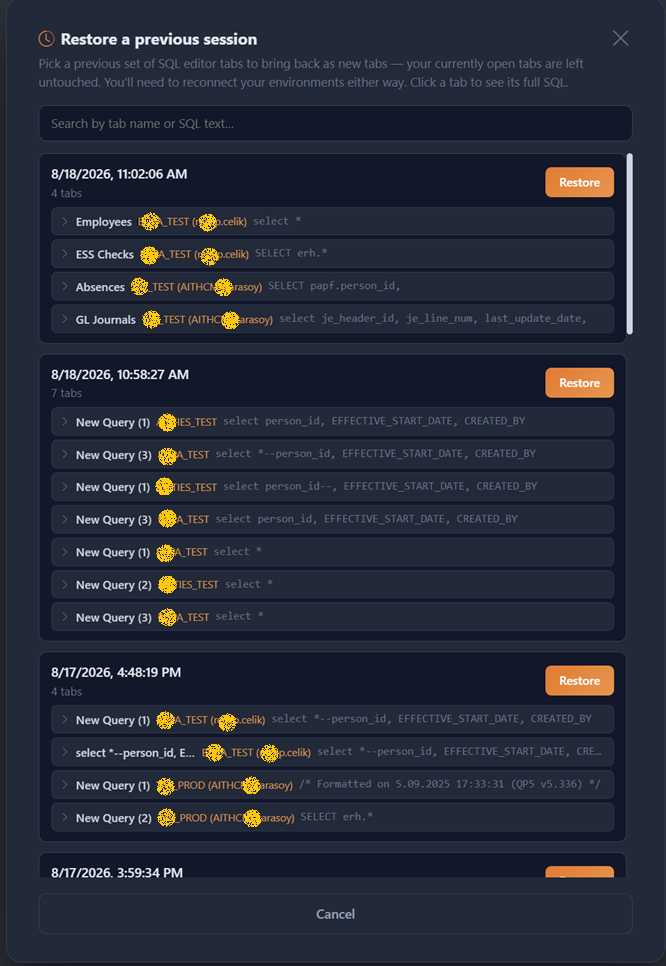
Search, organize, and reuse previous SQL statements with a complete query history.
Connect directly to Oracle Fusion using your existing credentials — no data replication, middleware, or synchronization required.
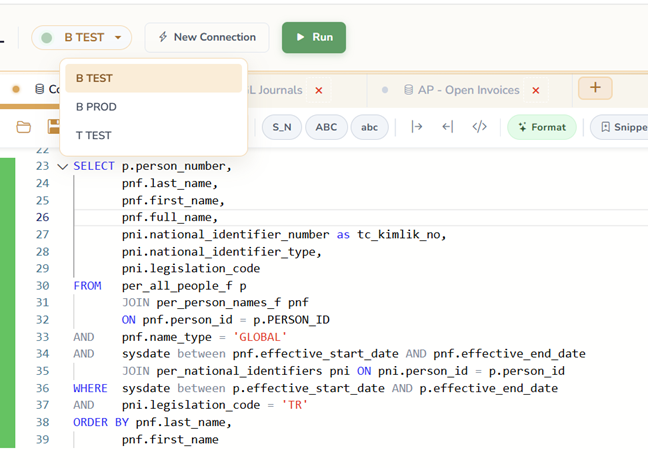
FusionLens SQL Editor is built around the Oracle Fusion data model — snippet library, autocomplete that knows Fusion tables and columns, inline validation, and metadata inspection all connected to your live Oracle Fusion instance.
FusionLens AI knows Oracle Fusion's table structure. Describe what data you need and get a working SQL query — with correct joins and date logic.
Describe what you need. FusionLens generates the SQL — with correct Oracle Fusion tables, joins, and date logic. Review it, then run it directly.
Ask anything about Oracle Fusion data, tables, or business logic. The AI keeps full conversation context — follow-up questions, schema exploration, query debugging.
Oracle Fusion has thousands of tables. Fusion Metadata Explorer organizes them by module — so you can find what you need by clicking, not by memorizing.
Every query you run is automatically saved and searchable. Find any past query by text, date, or environment — and send it back to the editor in one click.
Long-running Oracle Fusion queries don't have to freeze your browser. Submit them to the background, continue working, and come back when they're done.
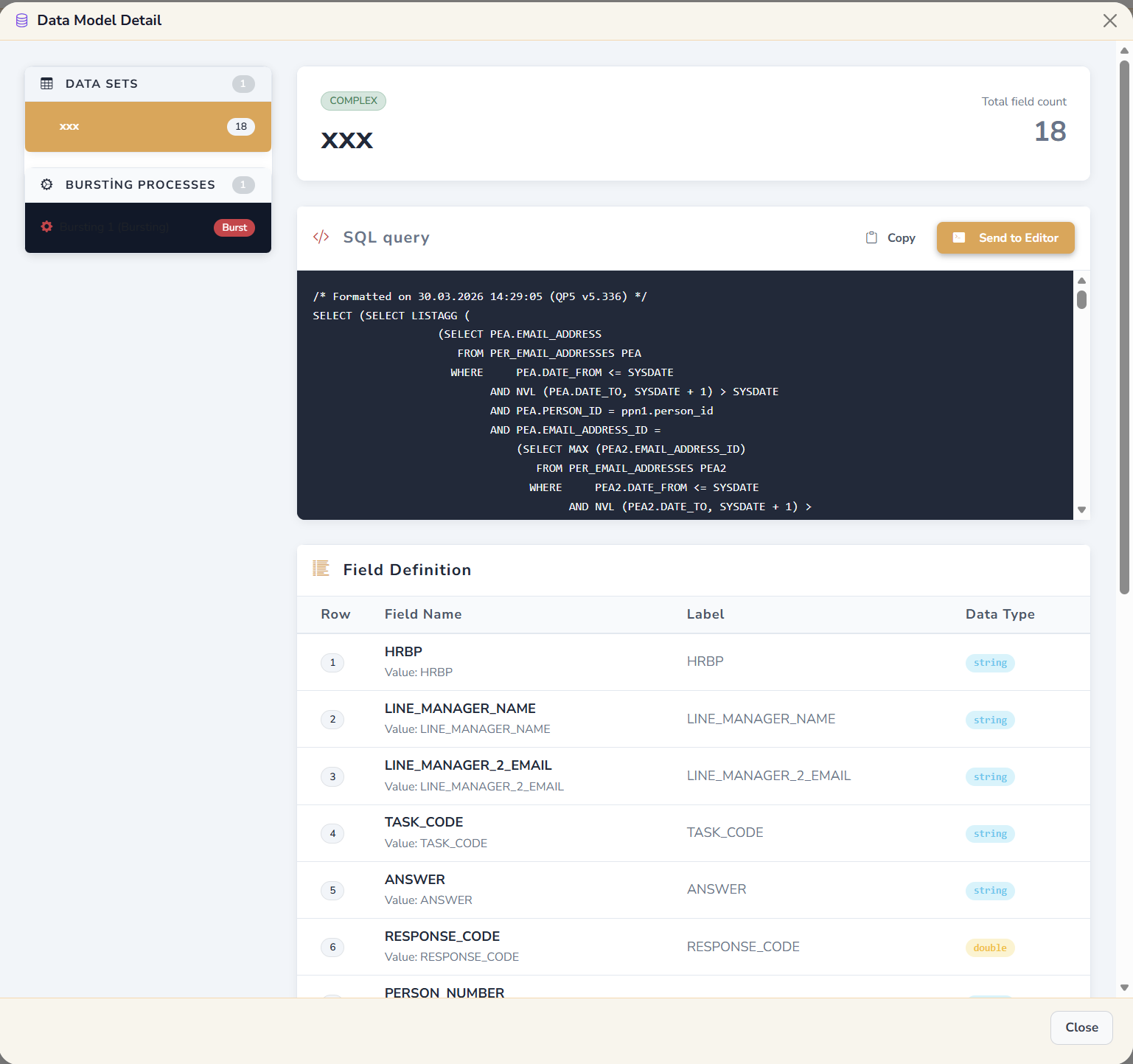
Navigate every shared and custom folder in your Oracle Fusion catalog. Download report definitions, inspect data model SQL, and send it to the editor.
Connect to multiple Oracle Fusion environments and assign a different connection to each editor tab. Switch environments mid-query — without losing your SQL or closing anything.
Export any query result to Excel or CSV instantly. Formatted headers, correct encoding, no row cap — exactly what you'd spend 5 minutes doing by hand.
All plans include the core SQL editor. Premium features unlock progressively.
Start free — no credit card required. Upgrade when you need more.